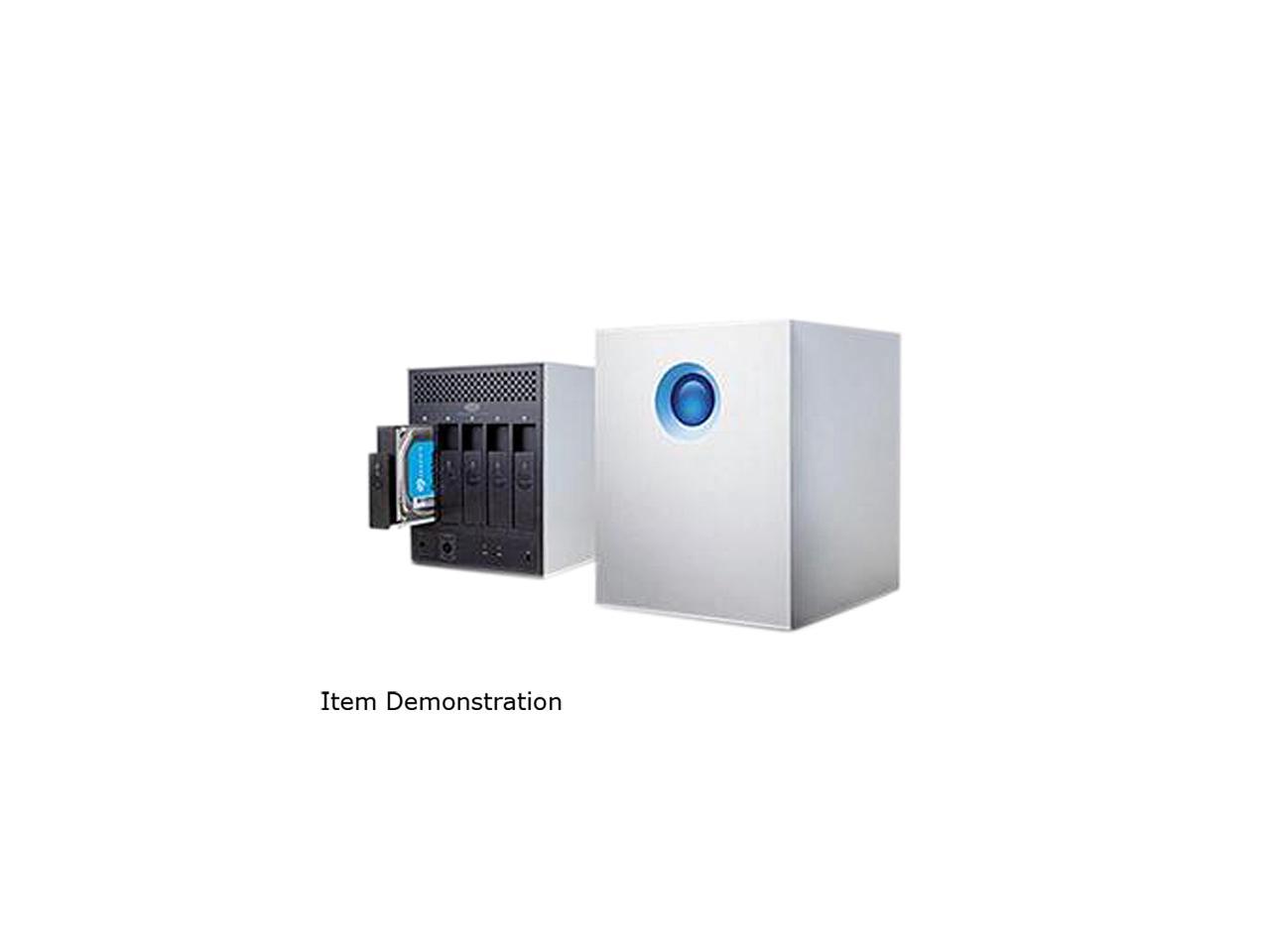
LaCie Rikiki 500GB MS25U
external usb hard drive
Manufacturer: LaCie
Model: MS25U
Hard drive: 1 TB Samsung HN-M101MBB (was: Seagate Momentus 5400.6 500 GB, model ST9500325AS)
back to various hw page.
History:
use a GPT scheme:
root@kg-core1# gpart create -s GPT da0
da0 created
What does it look like now?
root@kg-core1# gpart show -p da0
=> 34 1953525101 da0 GPT (931G)
34 1953525101 - free - (931G)
Ok. Use half for FreeBSD:
root@kg-core1# gpart add -t freebsd-ufs -s 465g da0
da0p1 added
Now it looks like this:
root@kg-core1# gpart show -p da0
=> 34 1953525101 da0 GPT (931G)
34 975175680 da0p1 freebsd-ufs (465G)
975175714 978349421 - free - (466G)
Use the rest for Linux:
root@kg-core1# gpart add -t linux-data da0
da0p2 added
the final result looks like this:
root@kg-core1# gpart show -p da0
=> 34 1953525101 da0 GPT (931G)
34 975175680 da0p1 freebsd-ufs (465G)
975175714 978349421 da0p2 linux-data (466G)
Of course, putting relevant filesystems on the two partitions remains.
2015-03-18: testing on my FreeBSD workstation:
tingo@kg-core1$ uname -a
FreeBSD kg-core1.kg4.no 9.3-STABLE FreeBSD 9.3-STABLE #0 r273918: Fri Oct 31 22:52:44 CET 2014 root@kg-core1.kg4.no:/usr/obj/usr/src/sys/GENERIC amd64
usbconfig output:
root@kg-core1# usbconfig -d ugen3.3
ugen3.3: <LaCie Device LaCie> at usbus3, cfg=0 md=HOST spd=HIGH (480Mbps) pwr=ON (2mA)
relevant lines from /var/log/messages:
Mar 18 23:55:02 kg-core1 kernel: ugen3.3: <LaCie> at usbus3
Mar 18 23:55:02 kg-core1 kernel: umass0: <MSC Bulk-Only Transfer> on usbus3
Mar 18 23:55:02 kg-core1 kernel: umass0: SCSI over Bulk-Only; quirks = 0x0100
Mar 18 23:55:02 kg-core1 kernel: umass0:7:0:-1: Attached to scbus7
Mar 18 23:55:02 kg-core1 kernel: da0 at umass-sim0 bus 0 scbus7 target 0 lun 0
Mar 18 23:55:02 kg-core1 kernel: da0: <SAMSUNG HN-M101MBB > Fixed Direct Access SCSI-2 device
Mar 18 23:55:02 kg-core1 kernel: da0: Serial Number 289B904767FF
Mar 18 23:55:02 kg-core1 kernel: da0: 40.000MB/s transfers
Mar 18 23:55:02 kg-core1 kernel: da0: 953869MB (1953525168 512 byte sectors: 255H 63S/T 121601C)
Mar 18 23:55:02 kg-core1 kernel: da0: quirks=0x2<NO_6_BYTE>
so the drive works.
2015-03-18: testing on my Linux laptop:
Linux kg-u35jc 3.2.0-77-generic #112-Ubuntu SMP Tue Feb 10 15:22:22 UTC 2015 x86_64 x86_64 x86_64 GNU/Linux
relevant lines from lsusb output:
Bus 002 Device 008: ID 059f:102a LaCie, Ltd Rikiki Hard Driverelevant lines from /var/log/messages:
Mar 18 20:26:15 kg-u35jc kernel: [328046.429714] usb 2-1.2: new high-speed USB device number 8 using ehci_hcd
Mar 18 20:26:15 kg-u35jc kernel: [328046.524066] scsi6 : usb-storage 2-1.2:1.0
Mar 18 20:26:15 kg-u35jc mtp-probe: checking bus 2, device 8: '/sys/devices/pci0000:00/0000:00:1d.0/usb2/2-1/2-1.2'
Mar 18 20:26:15 kg-u35jc mtp-probe: bus: 2, device: 8 was not an MTP device
Mar 18 20:26:16 kg-u35jc kernel: [328047.563109] scsi 6:0:0:0: Direct-Access SAMSUNG HN-M101MBB PQ: 0 ANSI: 2 CCS
Mar 18 20:26:16 kg-u35jc kernel: [328047.564288] sd 6:0:0:0: Attached scsi generic sg1 type 0
Mar 18 20:26:16 kg-u35jc kernel: [328047.564889] sd 6:0:0:0: [sdb] 1953525168 512-byte logical blocks: (1.00 TB/931 GiB)
Mar 18 20:26:16 kg-u35jc kernel: [328047.566077] sd 6:0:0:0: [sdb] Write Protect is off
Mar 18 20:26:16 kg-u35jc kernel: [328047.597345] sdb: unknown partition table
Mar 18 20:26:16 kg-u35jc kernel: [328047.600211] sd 6:0:0:0: [sdb] Attached SCSI disk
: took out the old drive, and mounted the new drive into the box. re-assembled the box.
2015-03-18: this evening, I bought a replacement hard drive at Digital Impuls, a Samsung HN-M101MBB (126868) for NOK 695.- For practical reasons, I used a drive of the same model that I had already (spare drive for one FreeNAS box). Model: HN-M101MBB, rev. A, serial number: S2R8J9HB904767.
2015-03-15: opened up the drive (T9 screws, four of them). Inside is a Seagate Momentus 5400.6 500 GB drive. I remove the 'warranty void if broken' sticker and unplug the drive. I plug the drive into another usb-to-sata adapter, but the drive seems dead. I tested the usb-to-sata adapter by plugging another drive in it - the adapter works. Time for a new drive.
2015-03-15: the drive does not detect when connected to usb anymore.
????-??-??: I bought this drive.